
Three questions you've already asked yourself#
If you've written even one script for Revit, or read one someone else wrote, three things made you raise an eyebrow. Why do I have to open a transaction every time. Why are the units inside Revit in feet, when the project is in millimeters. Why, on a sixteen-core machine, when the model recalculates, is basically only one of them working.
None of the three has a technical answer. They have a historical one.
Every piece of software is a pile of frozen decisions#
The rules that seem arbitrary are choices made between 1963 and 2002, by people with first and last names, that no one could undo afterward without breaking everything built on top. And let's keep two things apart: the tool, the software that draws, and the method, treating the building as a database. Revit is the tool. BIM is the method, and it predates Revit by decades.
The layers#
- 1963. At MIT, Ivan Sutherland builds Sketchpad: shapes that obey constraints. Move one line, and the other adjusts. It's the seed of parametric design.
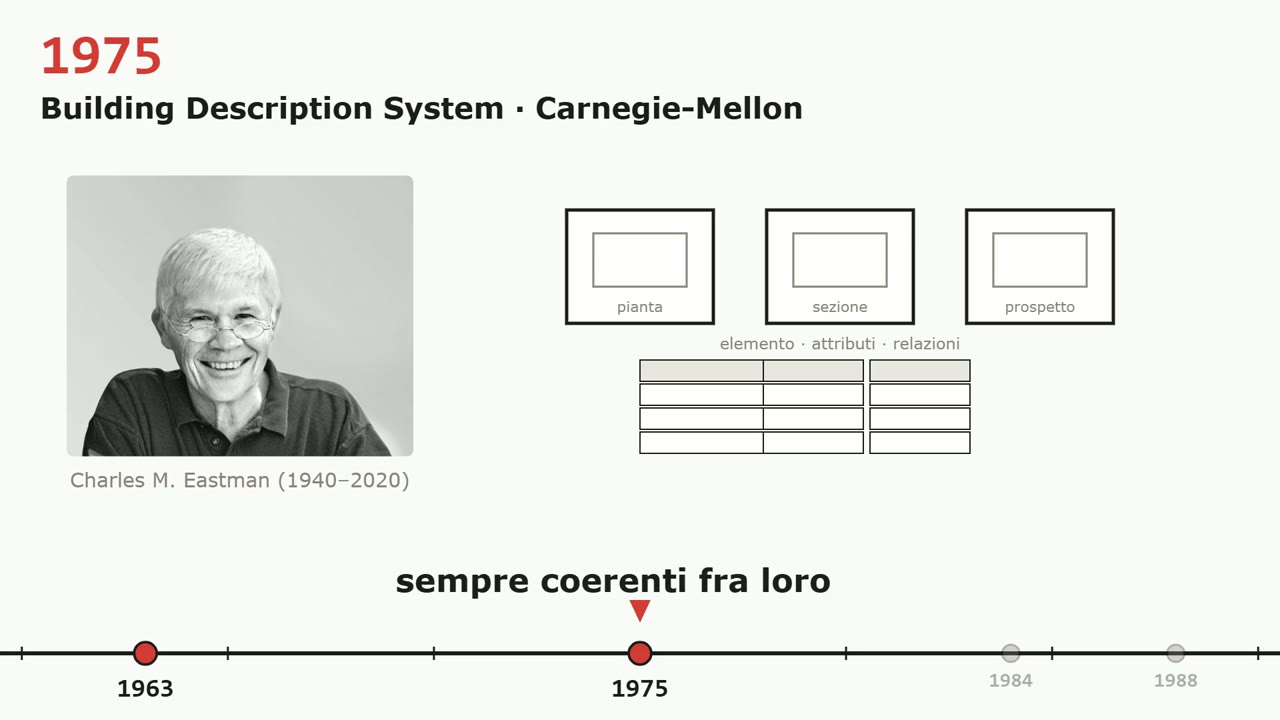
- 1975. Charles Eastman describes the Building Description System: the building as a database of elements with shape, attributes and relationships, from which plans and sections come out on their own. That's BIM, twenty-two years before Revit.
- 1984. In Budapest, Gábor Bojár launches Radar CH, later ArchiCAD, funding it with his wife's jewelry and Apple computers carried across the Iron Curtain.
- 1988. PTC launches Pro/ENGINEER, parametric mechanical CAD. Change a dimension, and the part rebuilds itself. For mechanical parts only.
- 1992. The phrase “building information model” appears in a paper for the first time.
The two mathematicians#
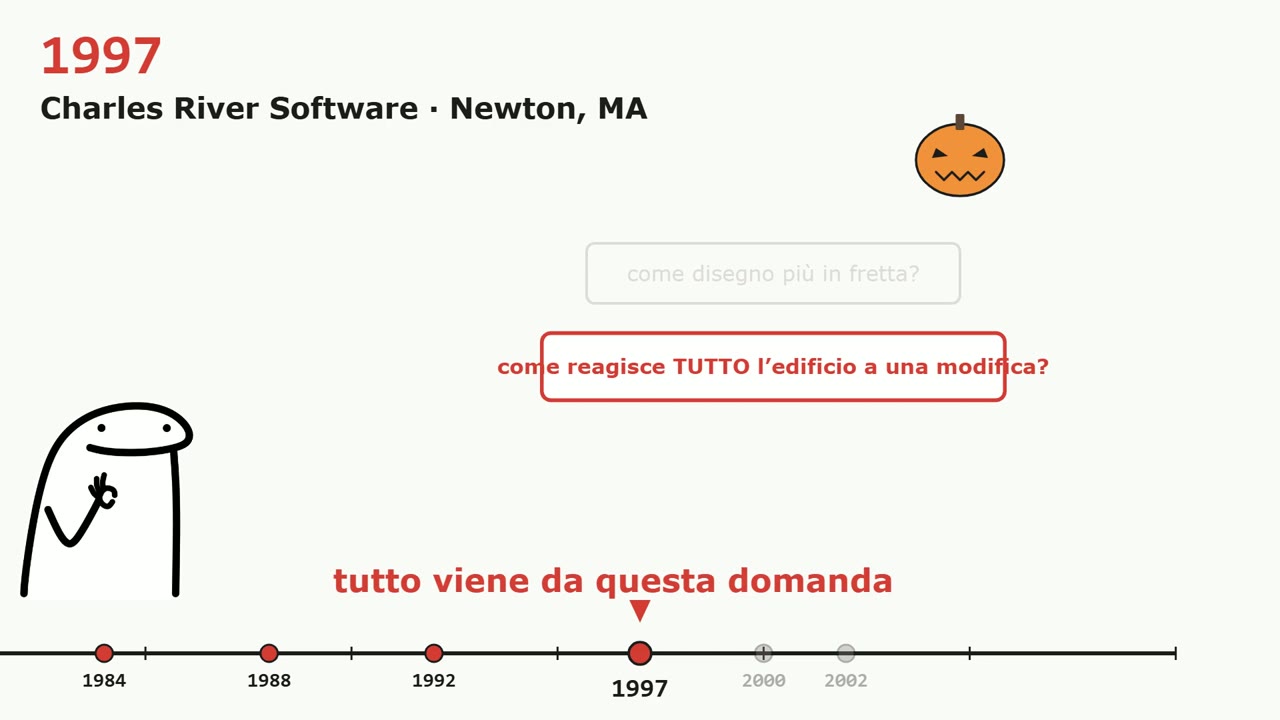
On Halloween 1997 they found Charles River Software in Newton, Massachusetts. Their question wasn't “how do I draw faster,” it was “how do I make the whole building react to a change.” In 2000 Revit 1.0 comes out: the name is a contraction of Revise Instantly. In 2002 Autodesk buys the whole thing for $133 million, and publishes the white paper that gives the method its name: BIM.
The three decisions#
- The model is a database, not a drawing. The .rvt file doesn't contain lines: it contains objects with properties and relationships. The geometry is a consequence.
- The relationships form a dependency graph. Every element knows what it depends on; change a node and the engine recalculates the dependents in the right order.
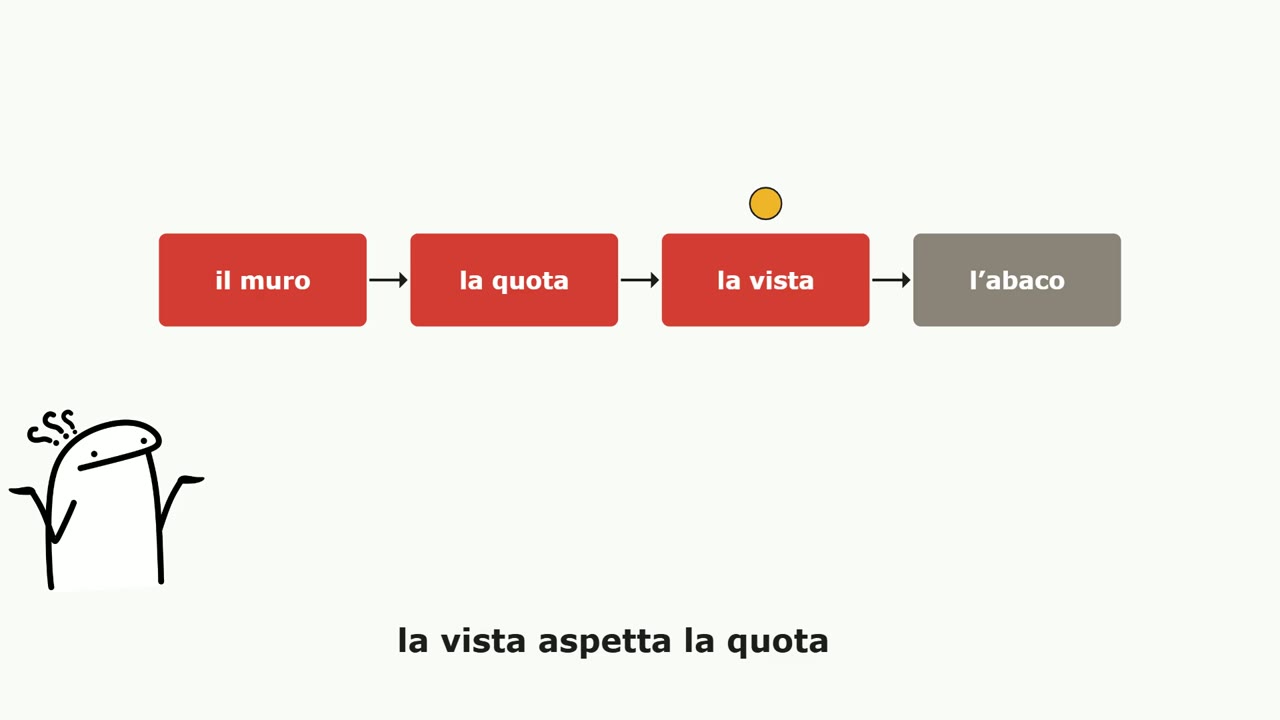
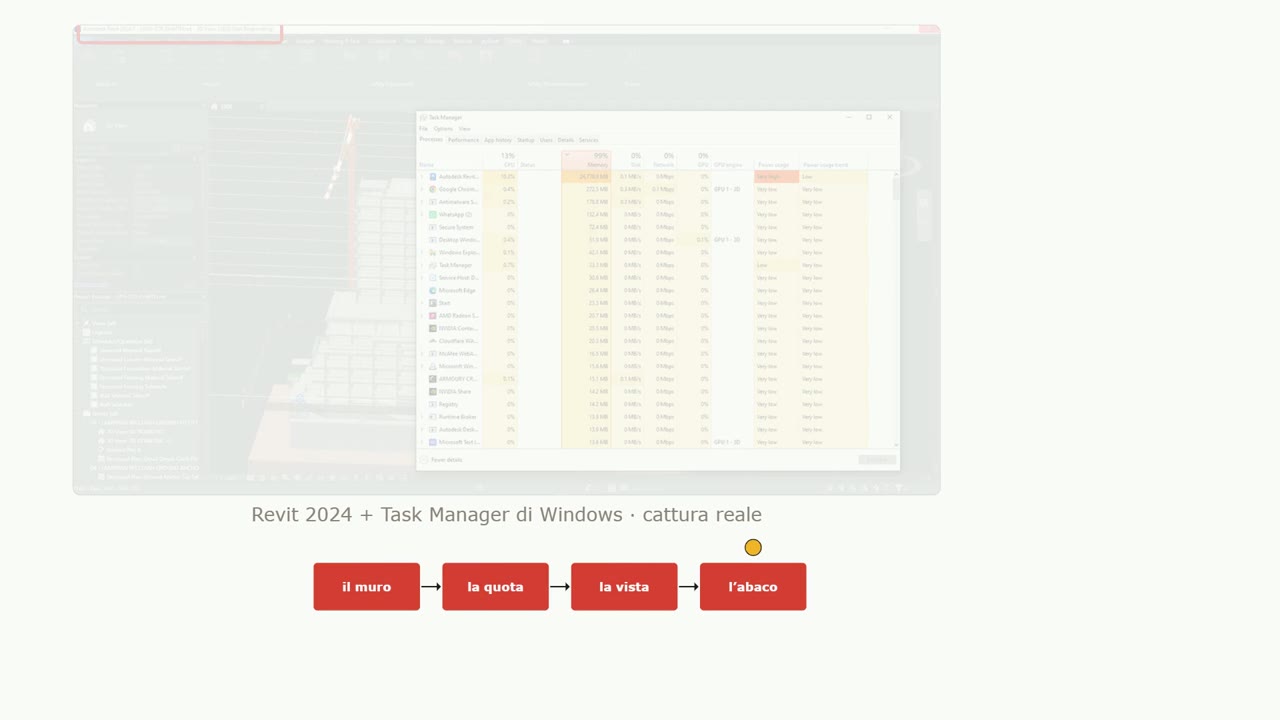
- Consistency matters more than speed. The dimension doesn't update before the wall has its new position; the view doesn't redraw before the dimension; the schedule comes after the view. A chain like that can't be split among many workers.
That's why the heart of Revit was born single-threaded and stayed that way. That “Not Responding” in the title bar isn't a malfunction: it's the engine walking the chain and handing control back to you once the last link is consistent. Practical tip: for Revit, the clock speed of a single core matters more than the number of cores.
The three Laws#
- The model is a database, 1997: changes need a Transaction. All or nothing.
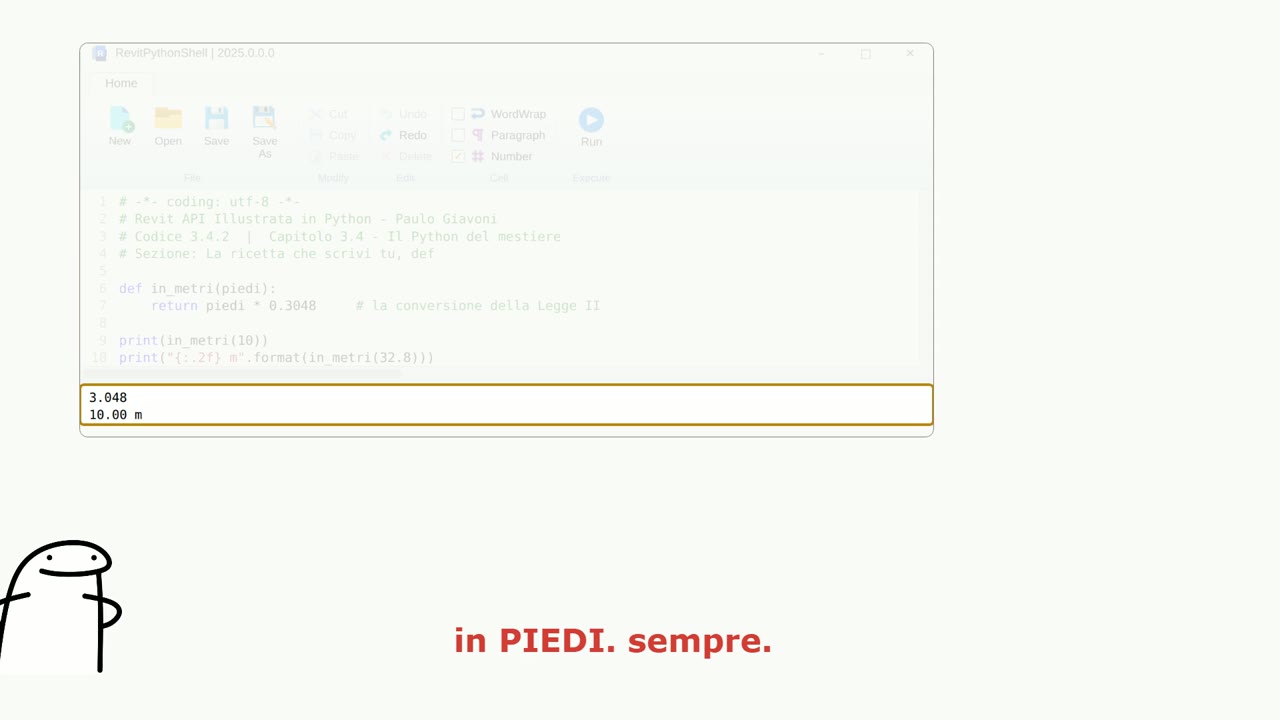
- American software, the 1990s: inside, the units are feet and angles are in radians. One foot is 0.3048 meters; 32.8 feet is an even ten meters. The interface converts for you, the API doesn't.
- Everything is an object and every object has a type: type and instance. The type is the recipe, the instance is the piece. Touch the type, and every instance changes.
The graph, and the seven bridges#
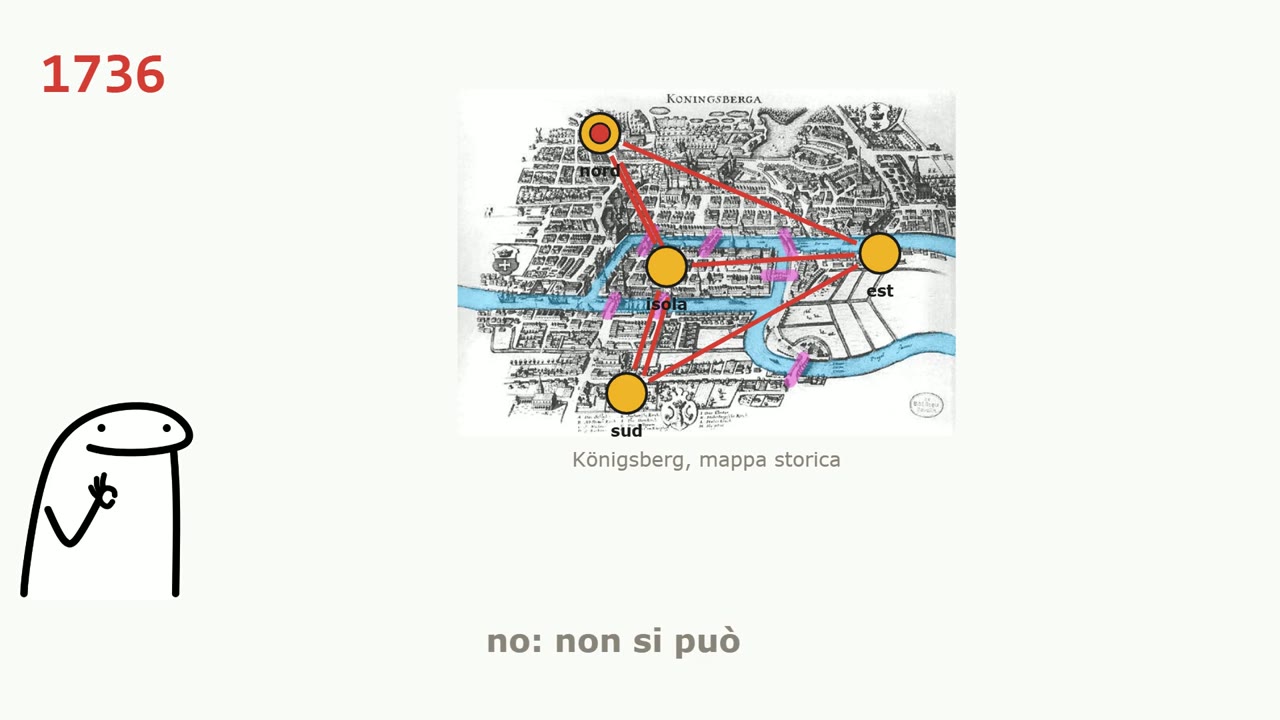
This leads to three practical consequences: you only write inside a transaction; one command at a time, in the order of the graph; you always navigate along the arrows, from an instance to its type, from a room to its boundaries.
Watch the video#
Sixteen minutes with the dates, the names and the faces: Sketchpad, Eastman, Bojár, the Revit 1.0 box, the Task Manager read honestly, feet live on screen, RevitLookup and the graph coming to life. No programming required. The video is in Italian.
The full video is on YouTube: if you enjoyed it, subscribe to the channel and hit the bell for the next episodes.
Questions or comments?
Questions about the videos and the book are welcome: write to me, or comment under the video on YouTube.
On LinkedIn I post every video from the channel, with a few extra lines.