Three letters you hear everywhere#
API. The Google API, the WhatsApp API, the Revit API. The full name is Application Programming Interface, and let's be honest: on its own, it says nothing. You need a picture, and the right picture has been in your home since you were six.
The bricks#
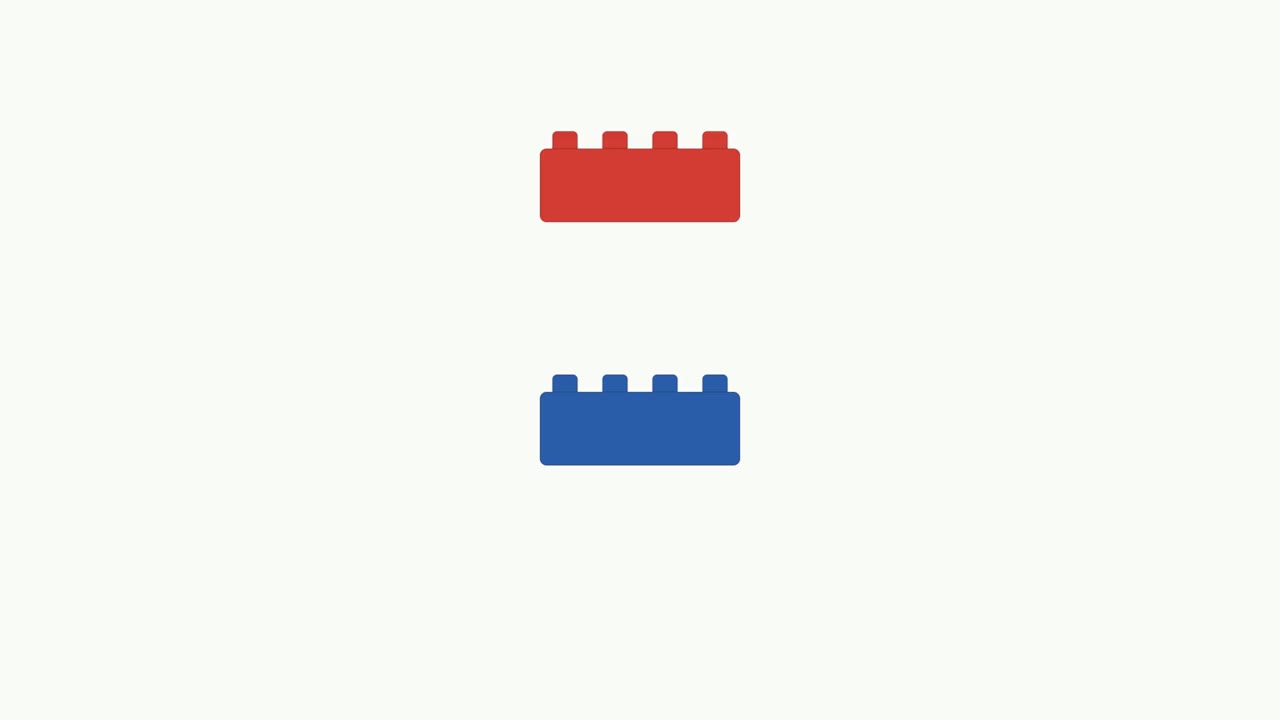
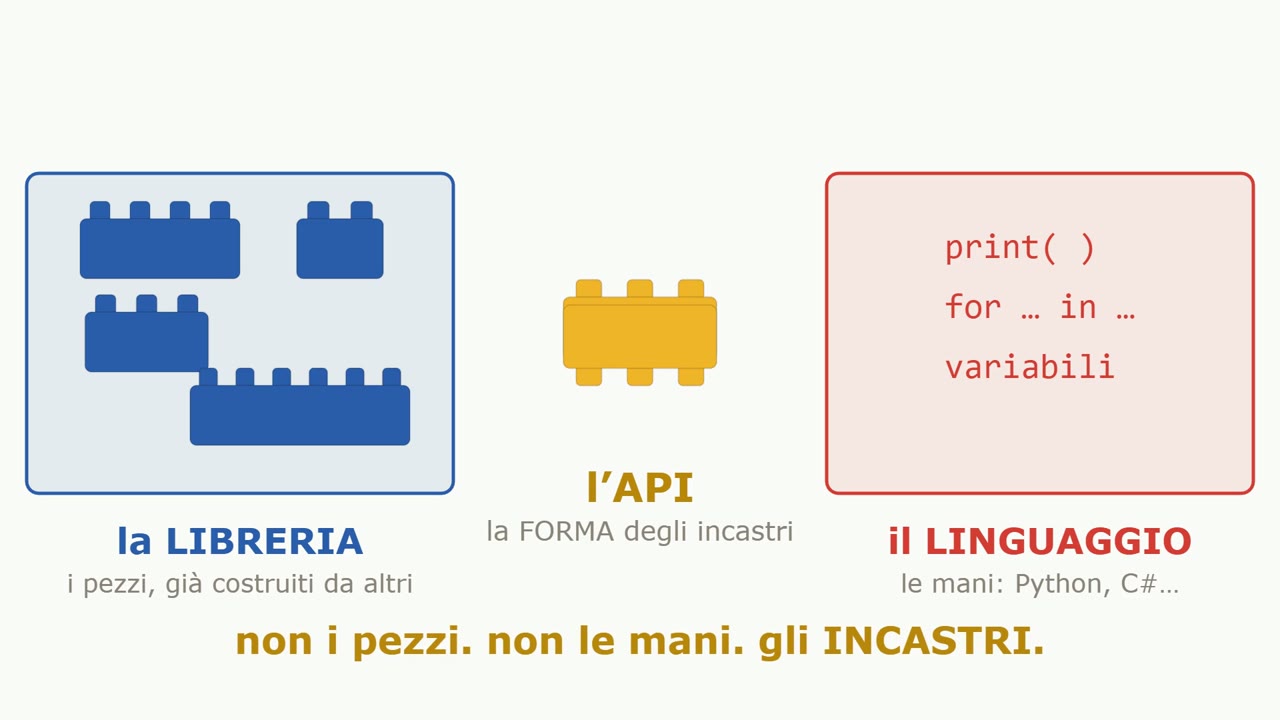
On one side there's a box full of pieces someone else already built. In programming, that box is called a library. On the other side there's you, with your hands: the programming language, in our case Python. Two separate worlds, someone else's pieces and your hands. Where do they talk to each other?
They talk at the connection. Every brick has studs on top and tubes underneath, and those shapes are the same for every piece in the box. That's exactly what an API is: not the pieces, not the hands, but the shape of the connections.
Name, input, output#
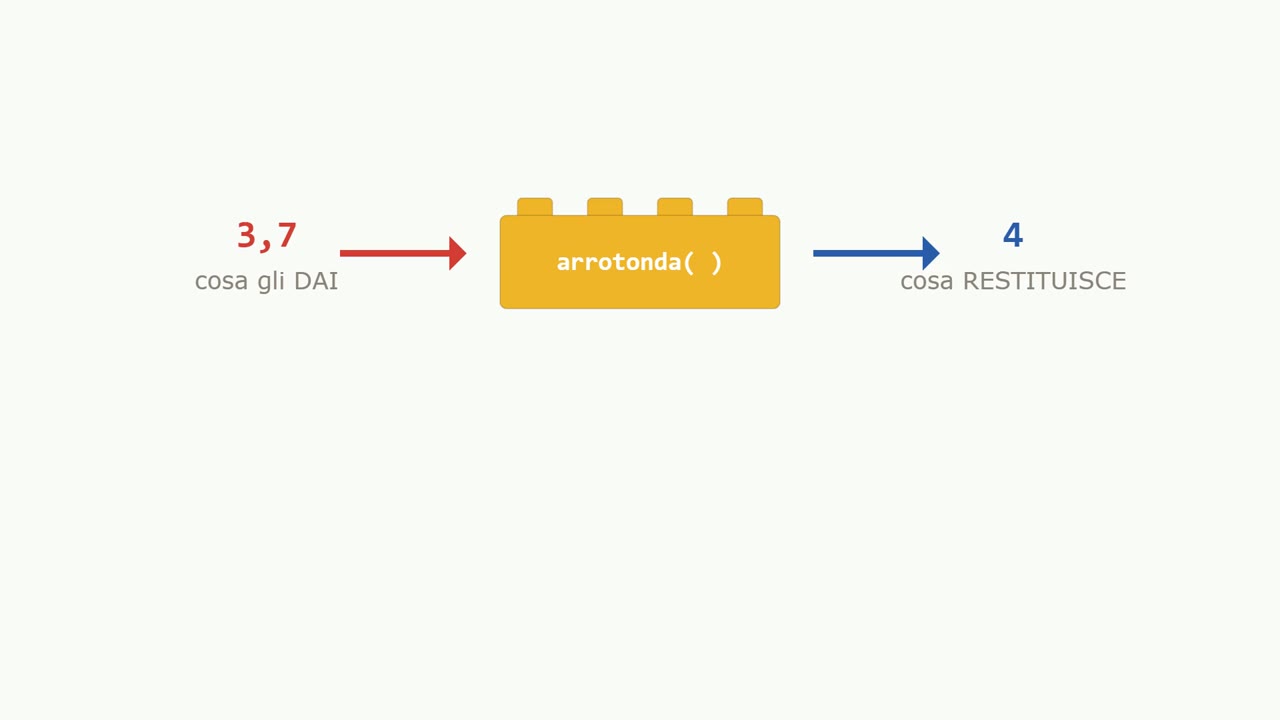
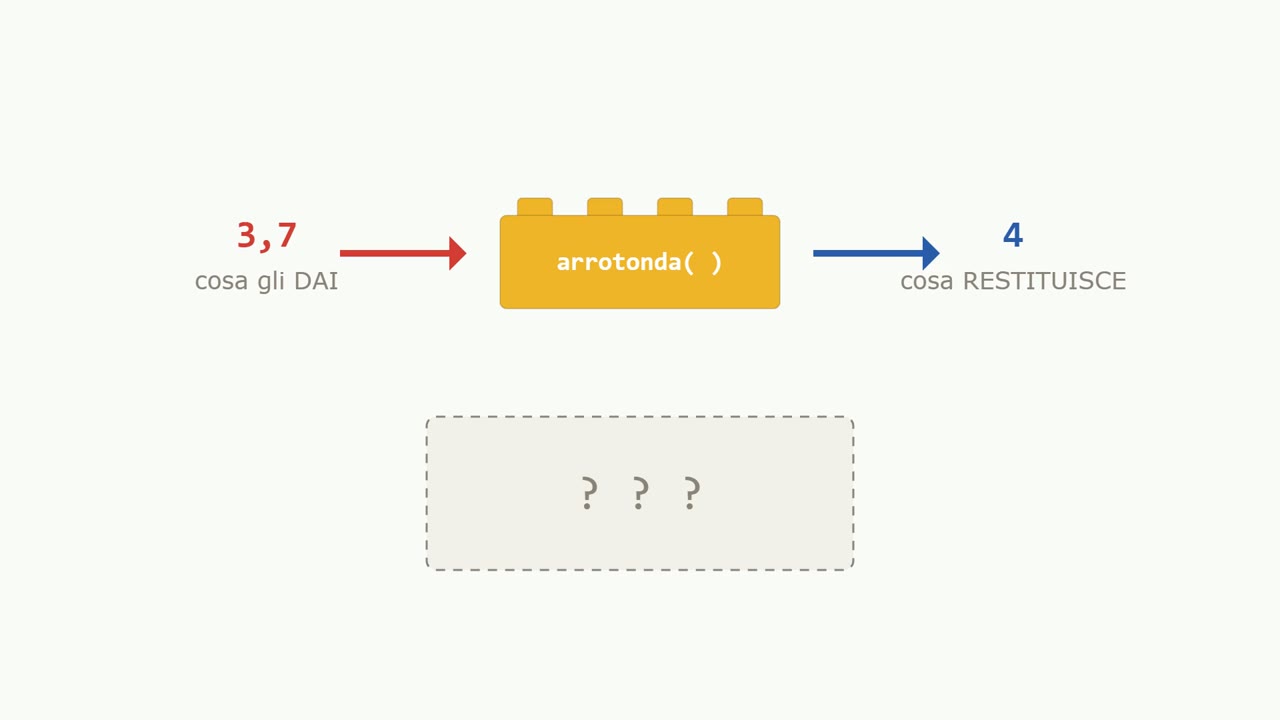
- what it's called;
- what you have to give it;
- what it gives you back.
Take the “round” connection: name, round; input, a decimal number; output, the nearest whole number. This trio has a precise name: it's called a contract. If you can read a contract, you can use any library in the world.
And notice one thing: how the piece does the rounding, what math it runs inside, you don't know and you don't need to. The brick is sealed. You use the shape, never the contents.
Your day is full of contracts like this. The wall outlet: two holes, one shape for everyone, between whoever supplies the power and whoever uses it. Web APIs are the same idea, except the brick lives on a faraway computer.
And Revit?#
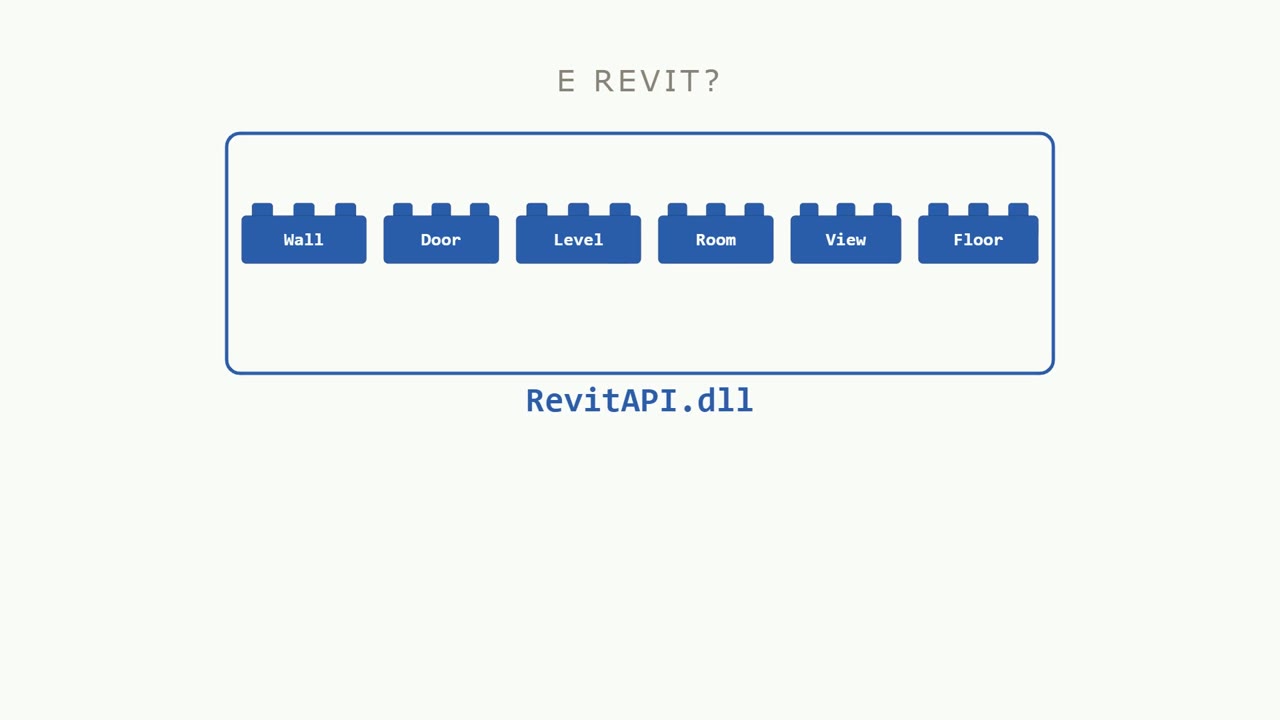
The first build: counting the walls#
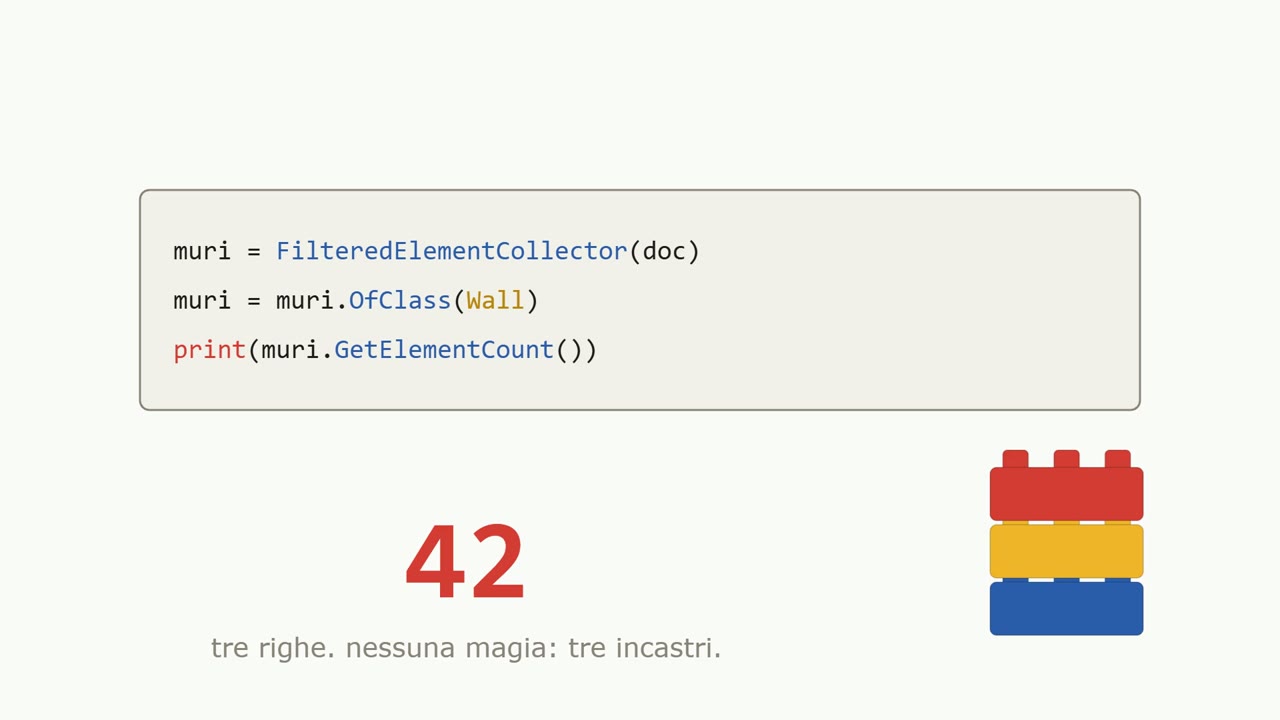
- FilteredElementCollector: opens the model's filing cabinet;
- OfClass: you tell it which kind of piece you want, walls;
- GetElementCount: you give it nothing, and it gives you a number.
Forty-two. The model has forty-two walls. Three lines, no magic: three contracts, read carefully.
And if you get it wrong? If you pass the collector a word instead of the document, Revit answers with an error message. That message is your friend: it's not the code breaking, it's the contract telling you what it expected.
The instruction booklet#
Where do these names come from? Every LEGO box has its booklet, and the Revit box has its own: the Revit API documentation, where every connection is written down with its name, input and output.
And the ladder is always the same: first you learn to read the model, then to filter and count, then to write. Always in that order, always with the same bricks. The box doesn't change: what changes is what you know how to build.
Watch the video#
Nine minutes, from the click of the bricks to your first code, no prerequisites. The video shows the pieces snapping together, the contract read line by line, the Revit box opening up and a real error on screen. The video is in Italian.
The full video is on YouTube: if you enjoyed it, subscribe to the channel and hit the bell for the next episodes.
Questions or comments?
Questions about the videos and the book are welcome: write to me, or comment under the video on YouTube.
On LinkedIn I post every video from the channel, with a few extra lines.