Fifty-three minutes, or two seconds#
Four hundred ducts in a model, and each one has its own “Comments” field to fill in by hand. Eight seconds per duct, if you never stop: that's fifty-three minutes. An hour of your Wednesday spent typing the same word four hundred times.
Nine lines of Python do the same thing in under two seconds. Here we read all nine, without skipping a single one.
The only picture you need#
To a programmer, Revit is a box of ready-made pieces. Python is your hands. In between sits the shape of the connections, and that's called the API. Every connection tells you what it's called, what you have to give it and what it gives you back. Keep that in mind, and every line that follows is a connection.
Where things live#
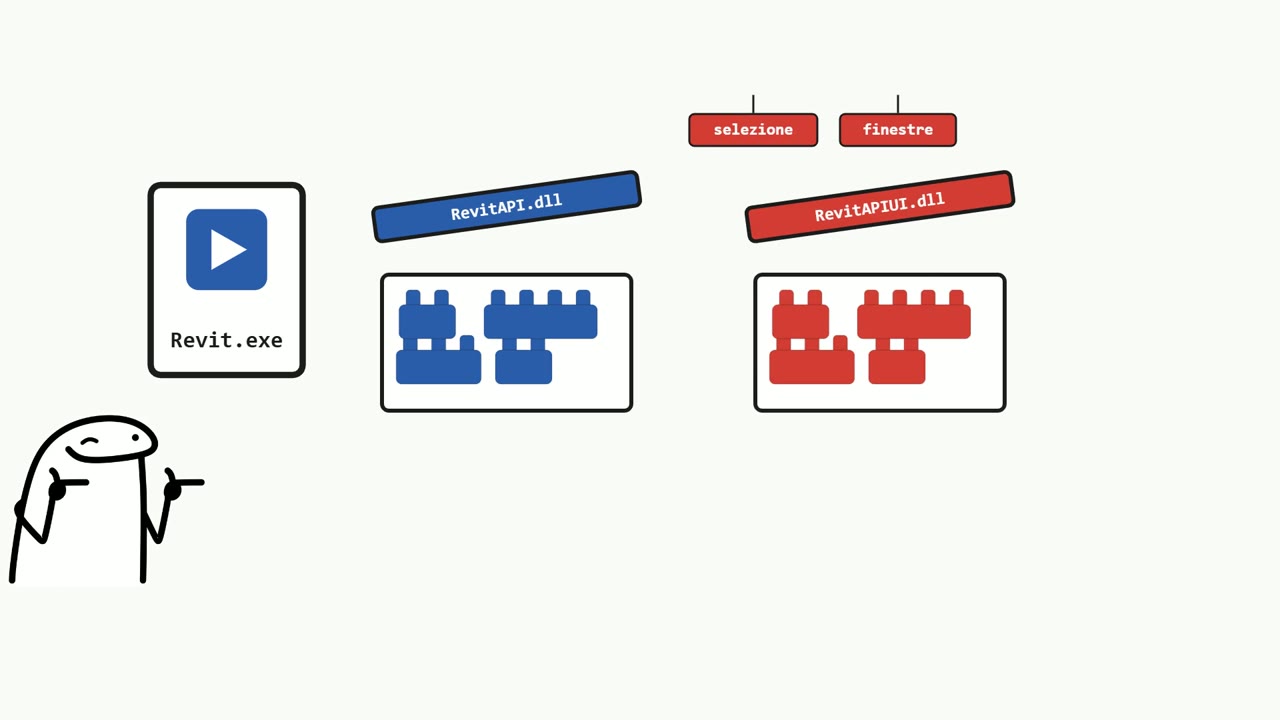
- Revit.exe: the program. You never touch it.
- RevitAPI.dll: the box of bricks for the model. Walls, ducts, parameters, transactions. The DB side, database.
- RevitAPIUI.dll: the other box, the interface. Selection, windows, ribbon. The UI side.
A dll is a library: a program with no start button, made to be used by other programs. You don't open it, you import it.
In RevitPythonShell the two boxes are already on the table, boiled down to two words: doc, the model, and uidoc, the interface.
We start by getting it wrong#
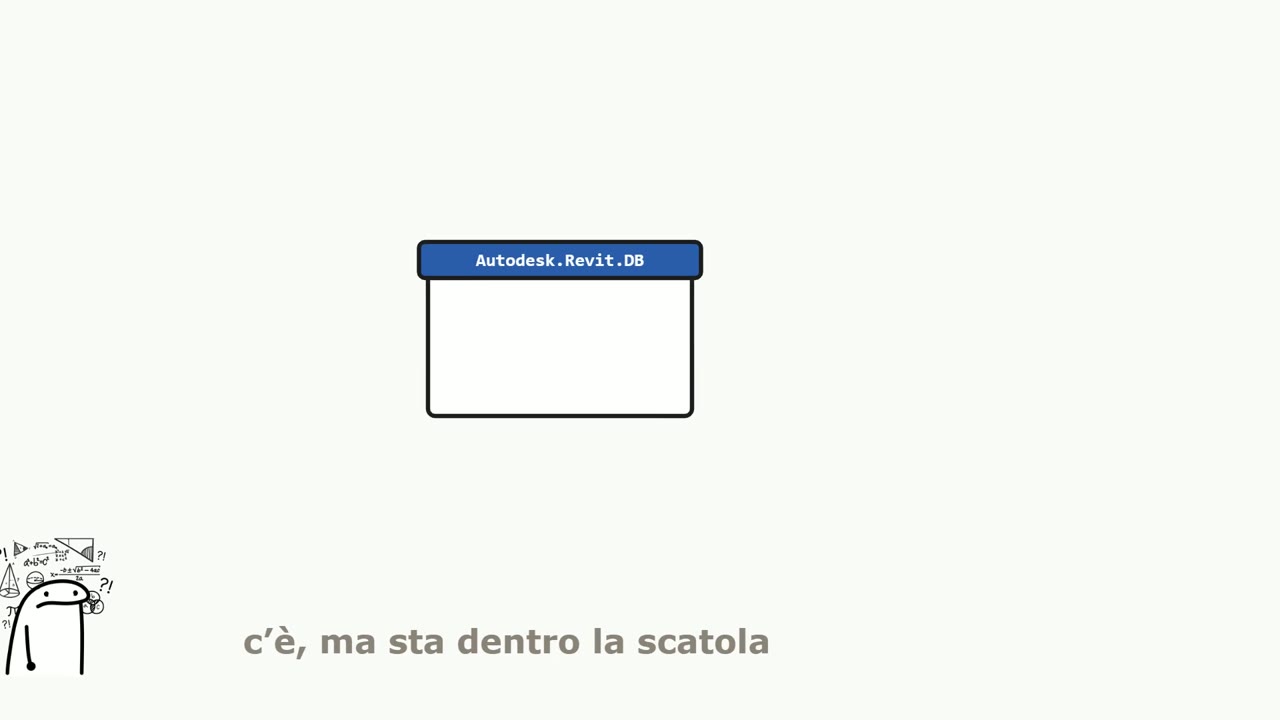
NameError: name FilteredElementCollector is not defined. Translation: and who might this gentleman be?
It's not a malfunction, it's the contract talking. The brick exists, but it's still in the box. You declare it with an import: from Autodesk.Revit.DB import FilteredElementCollector. From the Autodesk-Revit-DB shelf, bring me the collector.
The nine lines#
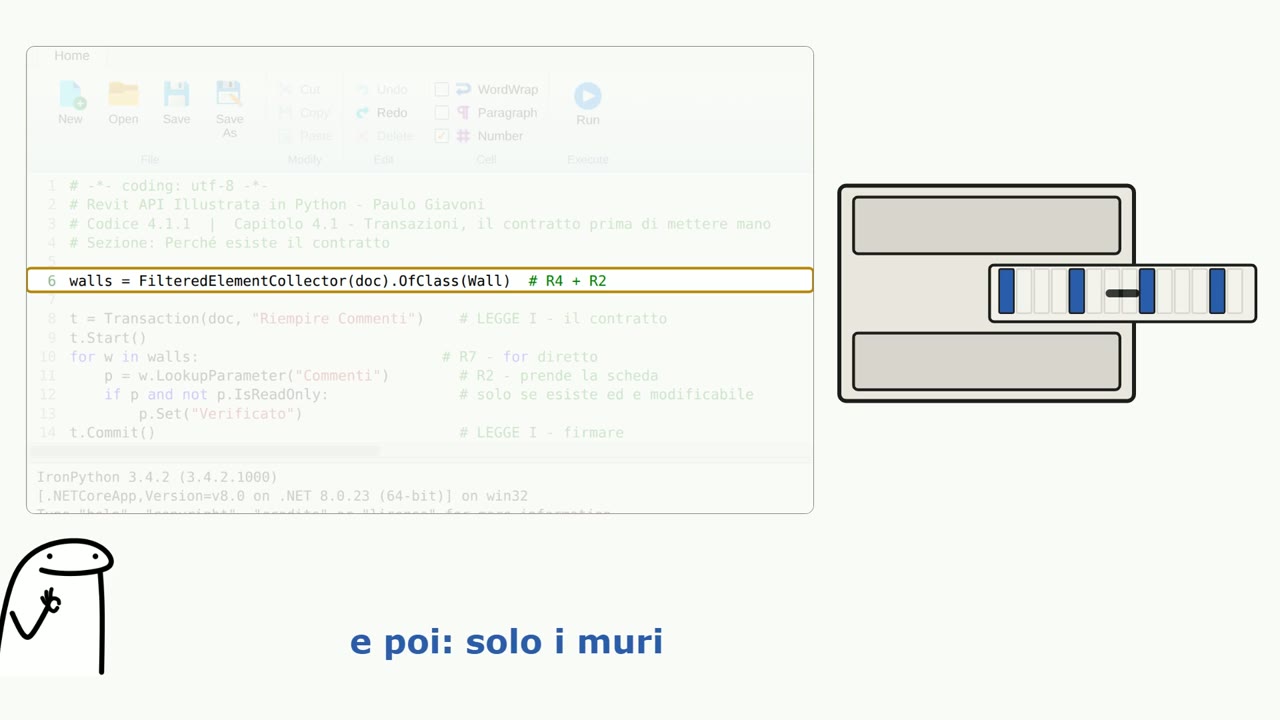
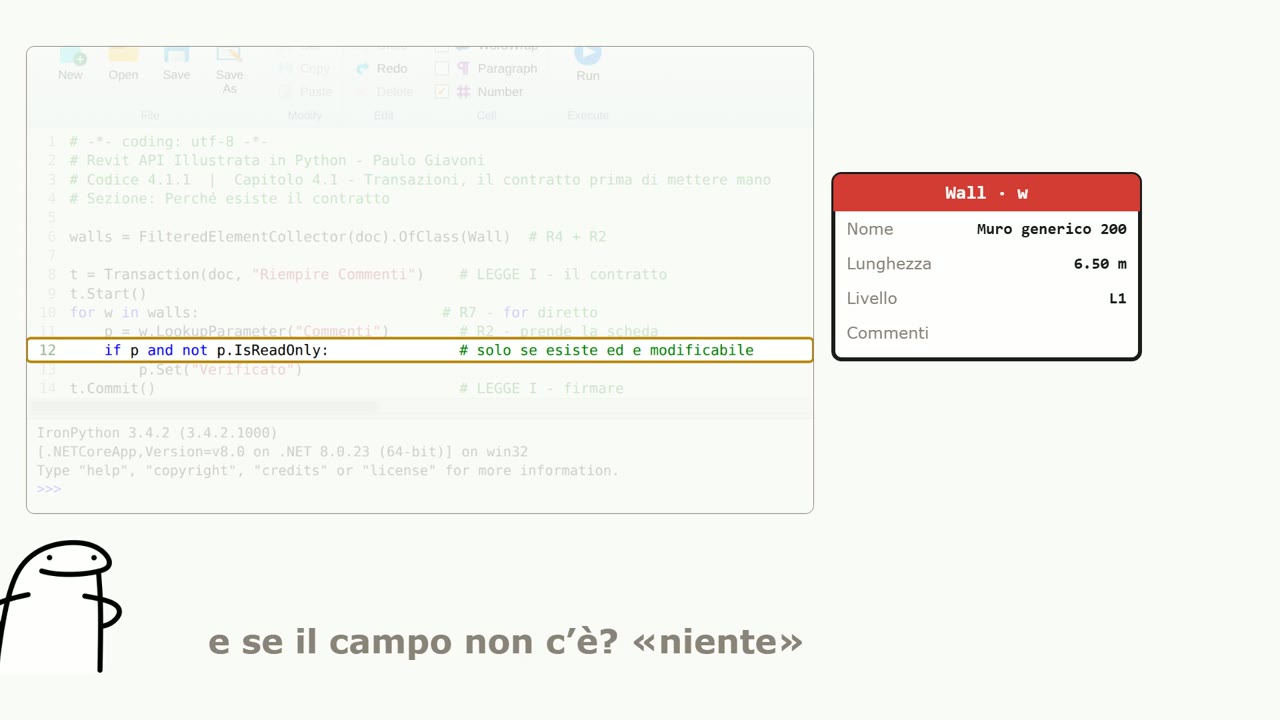
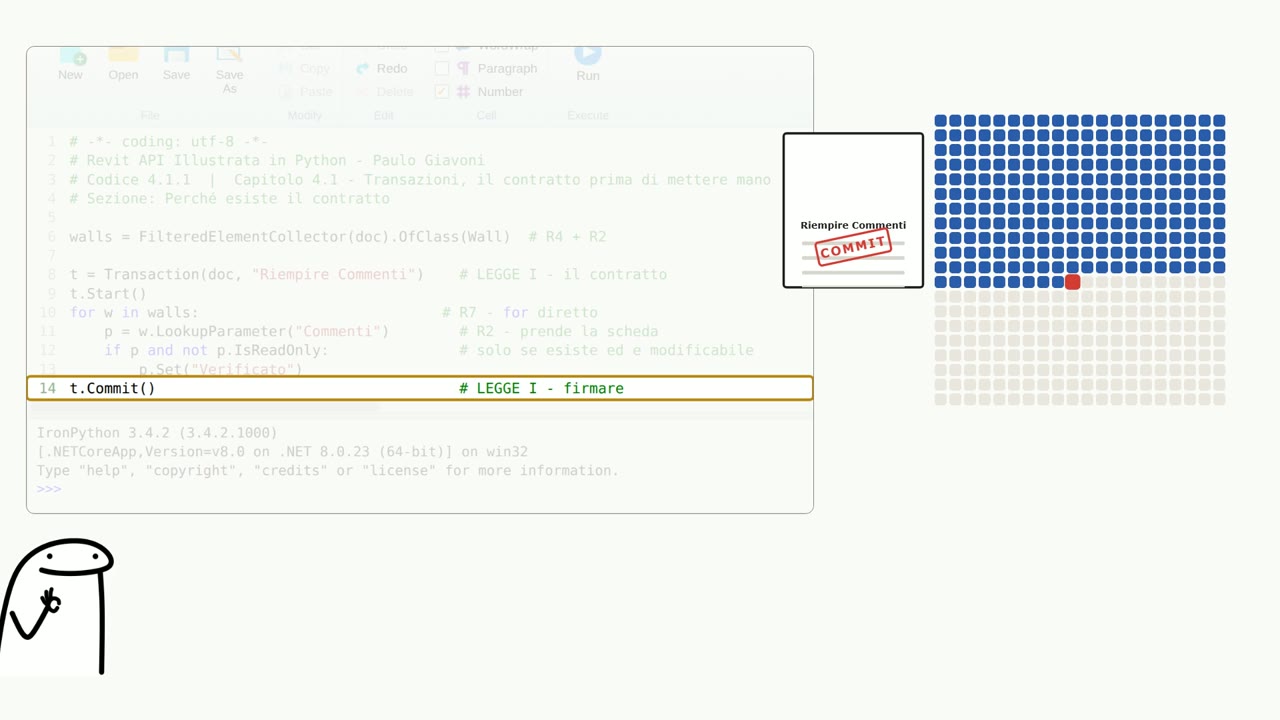
walls = FilteredElementCollector(doc).OfClass(Wall). Open the model's filing cabinet, and then keep only the walls. The dot reads as “and then.” walls = gives a name to the stack of cards: a variable.
Line 8. t = Transaction(doc, "Fill Comments"). A transaction is a contract: I'm about to touch the model, and from now until I sign, everything is a single block. The text in quotes shows up in the undo history: give it real names.
Line 9. t.Start(). The contract opens. The empty parentheses are the finger pressing the button.
Line 10. for w in walls:. A loop: for every wall, do what follows. That's why four hundred ducts cost the same as four. The indentation after the colon isn't cosmetic: in Python, it's grammar.
Line 11. p = w.LookupParameter("Commenti"). From this wall, give me the field called Commenti. Careful: the name is the one in your interface language. The video uses an Italian Revit; in an English Revit it's called Comments.
Line 12. if p and not p.IsReadOnly:. Caution. If the parameter really exists, and it isn't read-only. Without this line the script works for a while, then the odd wall comes along and it stops halfway.
Line 13. p.Set("Checked"). The real work, in one line. Indented twice: it's inside the if, which is inside the for.
Line 14. t.Commit(). We sign. If something had gone wrong at wall two hundred thirty, the contract doesn't close and Revit puts everything back the way it was. All or nothing. Never halfway.
Three words and a surname#
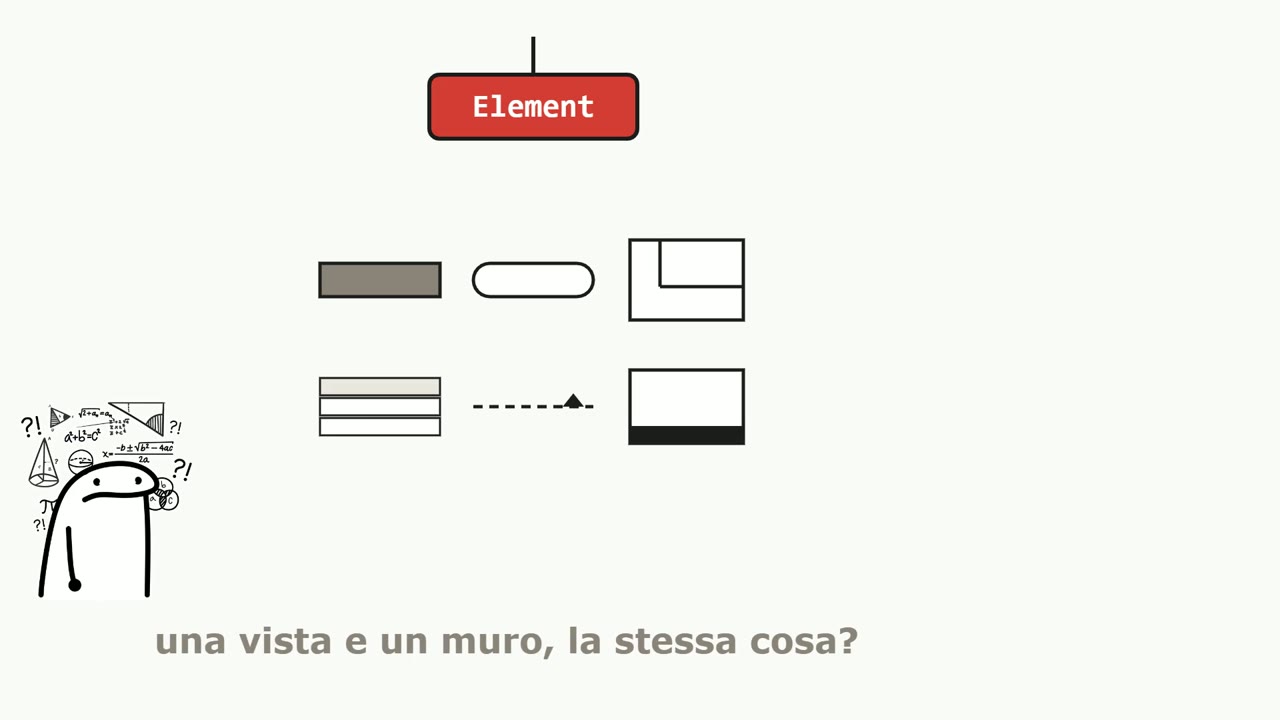
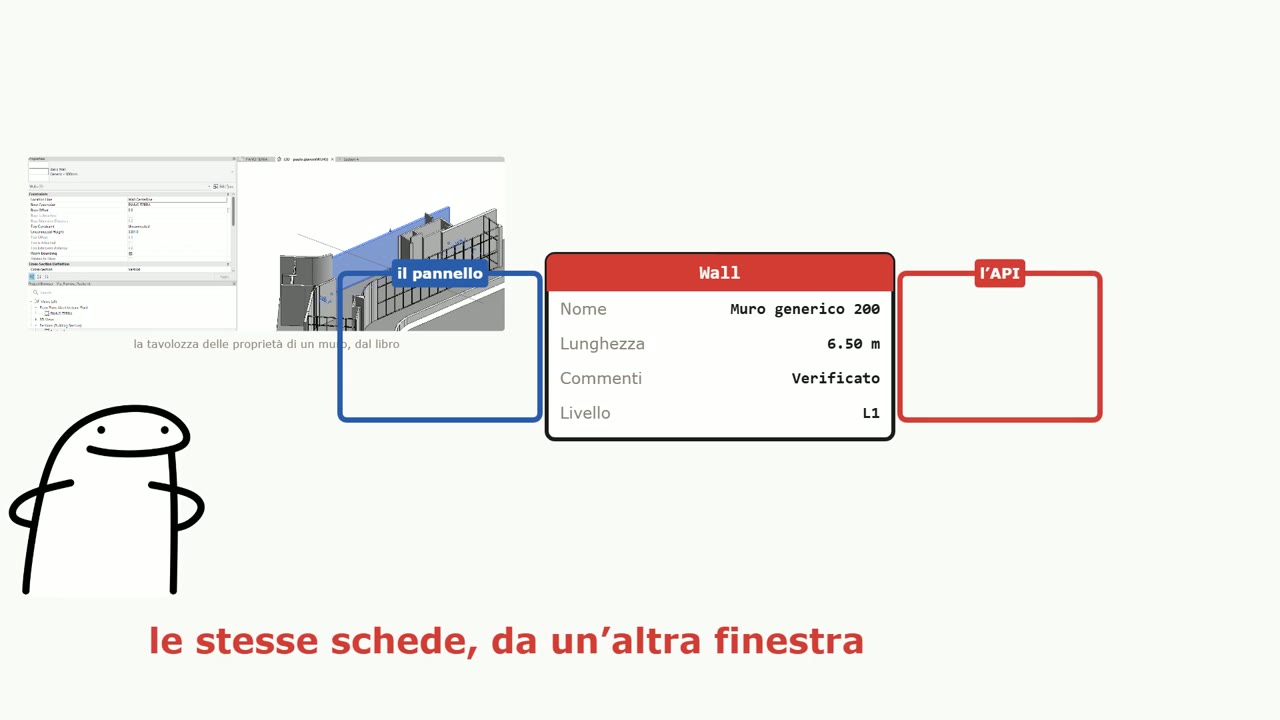
- Document: it's not the .rvt file. The file is the closed book on the shelf; Document is the book open on the table, the live session.
- Element: everything is an Element. A wall, a duct, but also the view, the schedule, the level, the title block. One set of verbs works for everything.
- Parameter: each element's card. Name, length, comments, level.
- ElementId: every element's unique number, valid inside that document and nowhere else.
And the twist that makes the whole video worth it: the Properties palette isn't the information. It's a window pointed at the cards. The API looks at the same cards through another window. That's why a script reads in one second what costs a thousand clicks by hand: it doesn't click faster, it doesn't click at all.
Three questions with no technical answer#
Why do I have to open a transaction? Why are the internal units in feet? Why, with sixteen cores, does Revit use just one? None of the three is a whim. They're fossils, and there's a video just for them: “The fossils.”
Watch the video#
Sixteen minutes in the real RevitPythonShell window inside Revit: the error, the import, the nine lines running and the four hundred ducts changing all at once. The video is in Italian.
The full video is on YouTube: if you enjoyed it, subscribe to the channel and hit the bell for the next episodes.
Questions or comments?
Questions about the videos and the book are welcome: write to me, or comment under the video on YouTube.
On LinkedIn I post every video from the channel, with a few extra lines.